

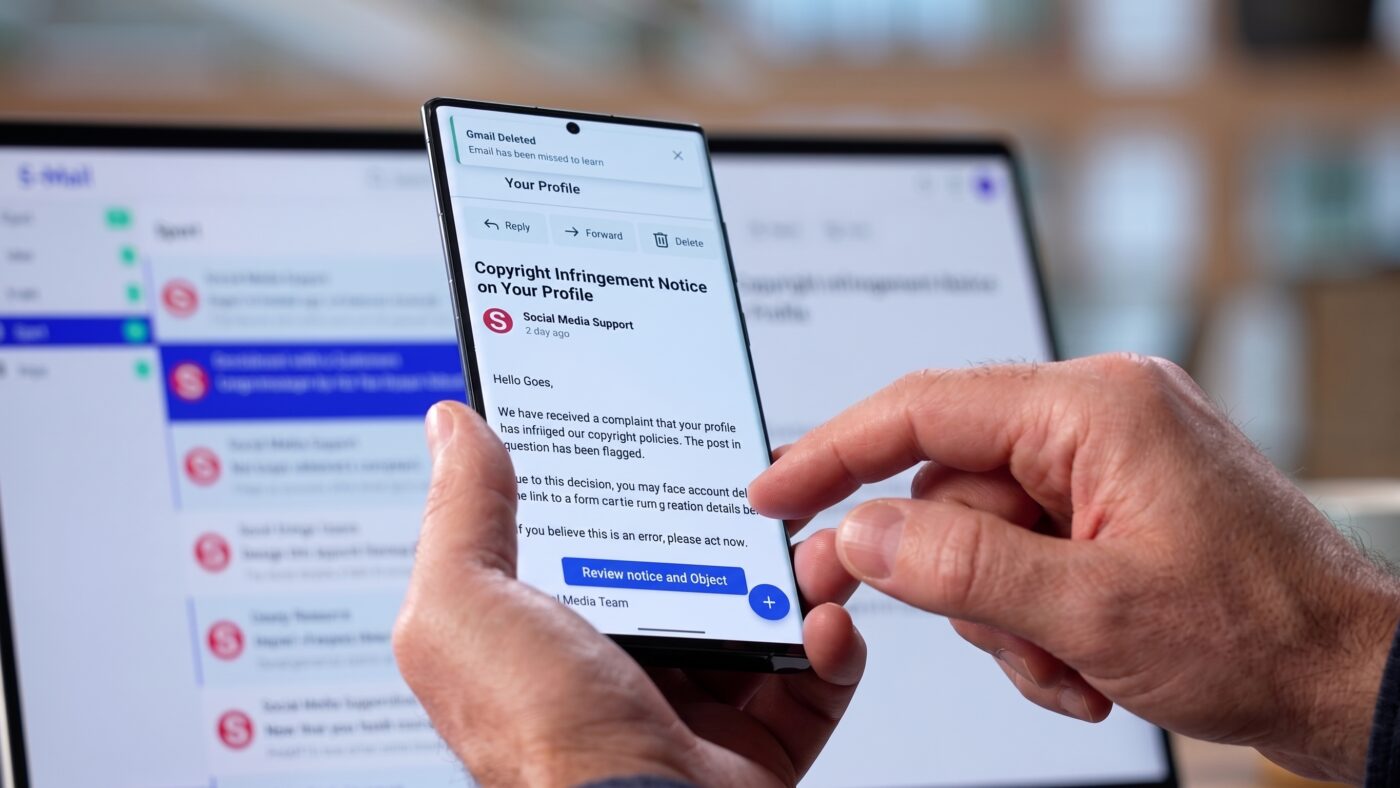
A phishing email can look completely normal while containing characters the recipient cannot see. Microsoft recently documented a high-volume phishing campaign using invisible Unicode characters inside financial terms. The technique is known as ASCII smuggling, and attackers used it to complicate automated email analysis. The finding shows how an AI-era security technique can migrate into traditional phishing.
Microsoft found the activity while researching prompt-injection protections in Microsoft Defender for Office 365. The same hunting logic unexpectedly surfaced finance-themed phishing messages using hidden characters. The campaign was not exploiting a Microsoft 365 vulnerability. Instead, attackers manipulated message text to make certain words harder for some filters to interpret.
What Is ASCII Smuggling?
ASCII smuggling uses invisible or non-rendering Unicode characters inside text that appears ordinary to a person. Microsoft focused on the Unicode Tags block, ranging from U+E0000 through U+E007F. These characters generally do not appear visibly in common fonts or user interfaces. However, software processing the raw message can still receive them.
The technique gained attention through AI prompt-injection research during 2025. Researchers showed that hidden characters could carry instructions that people could not see. AI systems processing raw content could still detect or interpret those hidden characters. Microsoft now reports that attackers have adapted the same concept for another purpose.
How ASCII Smuggling Works in a Phishing Email
The campaign Microsoft observed did not hide complete secret instructions inside messages. Instead, attackers placed invisible Unicode tag characters within important financial words. A recipient could still see a familiar word such as “funding.” The underlying character sequence, however, was no longer a simple continuous version of that word.
That difference matters to security software using keyword matches, regular expressions, tokenization, or other text-processing methods. An invisible character can separate a word into unexpected pieces before analysis occurs. The message still looks normal to the person reading it. Some detection logic may interpret a different sequence unless it normalizes the content first.
| What Happens | What the Recipient Sees | What Software May Process | Attacker’s Goal |
|---|---|---|---|
| Hidden Unicode is inserted inside a word | A normal term, such as “funding” | A word divided by a non-rendering code point | Disrupt simple keyword or pattern matching |
| The email uses familiar financial language | A loan, credit, or funding offer | Text containing unusual Unicode characters | Reduce signals available to some email classifiers |
| The recipient clicks or responds | A routine business offer | A phishing interaction or redirect | Move the victim toward fraud or data collection |
Microsoft emphasizes that this technique does not make phishing invisible to every security layer. Defender for Office 365 detected most observed messages through other signals. These included sender reputation, domain reputation, authentication checks, URL analysis, and anti-phishing models. The campaign demonstrates an evasion attempt rather than a universal email-security bypass.
How Large Was the Campaign?
Microsoft telemetry showed a sharp increase in messages using ASCII smuggling beginning February 9, 2026. The previous day generated roughly 21,000 signature hits. The next day generated more than 1.3 million. Weekday volumes later exceeded two million messages during parts of the high-volume period.
The activity focused heavily on financial lures, including business loans, credit lines, and advance-funding offers. Microsoft observed roughly 150 finance-themed sender domains during the initial spike. High-volume use of the technique continued for about three months. Activity dropped sharply after May 15, although the broader phishing operation continued using other behaviors.
Microsoft connected the activity to a broader SBA-themed phishing operation previously documented by Fortra. Fortra’s research found that the campaign used convincing business funding offers and AI-generated websites to collect financial and business information. The collected information could potentially support more targeted attacks later.
The scale should not be confused with confirmed compromises. Microsoft’s figures represent messages matching the campaign’s detection signature. They do not represent millions of confirmed victims. Microsoft reported that more than 99% were flagged through protection layers unrelated to the Unicode signal.
Why ASCII Smuggling Can Affect Email Detection

Modern email security rarely depends on one keyword list. However, ASCII smuggling can interfere with how some systems process message text. Filters also evaluate reputation, URLs, authentication, message structure, and machine-learning signals. Unusual Unicode characters can create problems when content is not normalized consistently.
For example, a person may visually read “funding” without noticing anything unusual. A processing system might receive separate character groups divided by an invisible code point. This can change how a tokenizer or simple pattern matcher interprets the word. Microsoft recommends normalizing non-rendering Unicode before applying content signatures.
There is also a defensive advantage. Unicode tag characters are uncommon in normal business email. Their presence can become a useful anomaly signal when legitimate exceptions are handled properly. Microsoft notes that certain flag emojis legitimately contain tag characters, showing why defenders still need context.
What Businesses and Employees Should Watch For
The technical method may be unusual, but the social engineering remains familiar. Observed emails used business funding, loans, and credit offers to attract attention. Employees should treat unsolicited financial offers cautiously, even when the message looks professionally written. A clean appearance does not prove the underlying message is trustworthy.
Users should verify unexpected offers through known contact information before clicking links or providing sensitive information. They should inspect the sender’s domain instead of relying only on the displayed name. Employees should also report suspicious messages through established internal procedures. These habits remain useful even as the underlying technical tricks evolve.
Organizations should maintain layered email defenses instead of depending on one filtering rule. Microsoft recommends normalizing invisible Unicode characters before matching message content. Security teams can combine unusual tag characters with sender, domain, URL, and authentication signals. Businesses using Microsoft Defender for Office 365 should also review Microsoft’s recommended email security configurations.
Employee awareness also remains important because technical controls cannot eliminate every social-engineering attempt. Attackers still depend on users trusting an unexpected request or offer. Employees should learn to verify the request itself instead of judging only its appearance. Our guide to social engineering attacks and how businesses can recognize them provides additional examples of these tactics.
Could Hidden Text Be Slipping Through Your Email Security?
Modern phishing attacks are becoming harder to judge by appearance alone. Review your email security, authentication, and employee protections before evolving techniques create unnecessary exposure.
What This Means for the Future of Phishing
The most interesting part of ASCII smuggling is where the technique gained recent attention. Hidden Unicode characters became prominent during research into attacks against AI systems. Threat actors then adapted the same mechanism to interfere with traditional email detection. Techniques developed in one security area can quickly migrate into another.
That crossover may matter more as businesses connect email, documents, web content, and AI assistants. The same content can be processed differently by people, traditional security tools, and AI systems. Defenders must therefore consider both visible content and the underlying data. Microsoft’s research shows why normalization and layered analysis are becoming increasingly important.
The broader lesson is not that every unusual Unicode character represents an attack. Attackers continually test differences between what people see and what software processes. Businesses should expect phishing techniques to evolve alongside defensive technology. Strong security still depends on layered controls, proper configuration, and employees who verify unexpected requests.
FAQ: Invisible Text and Phishing Email Security
The idea of inserting invisible characters into text is not new. Attackers have used zero-width spaces and similar tricks for years. Microsoft’s research identified a newer use of Unicode tag characters popularized through AI-security research. The campaign also applied those characters at unusually large scale.
Usually, no. The abused Unicode tag characters are non-rendering in most common interfaces and fonts. A recipient can see an ordinary word while hidden code points remain inside the message. Specialized inspection or text-processing tools can reveal the underlying characters.
Microsoft did not describe the campaign as a complete Defender bypass. More than 99% of observed messages were flagged through other protection layers. Those included reputation, authentication, URL analysis, and phishing classification. The finding shows why depending on one content signal is insufficient.
Microsoft observed finance-themed emails involving business funding, credit lines, loans, and similar offers. Attackers used rotating finance-themed sender domains and high-volume sending infrastructure. These lures may appear relevant to employees handling financial responsibilities. Unsolicited financial offers should therefore receive additional scrutiny.
Organizations should use layered email security and keep filtering systems properly configured. Microsoft recommends normalizing invisible Unicode before running keyword or pattern-based analysis. Employees should also verify unexpected financial requests through trusted channels. Combining technical controls with user awareness provides stronger protection.
