
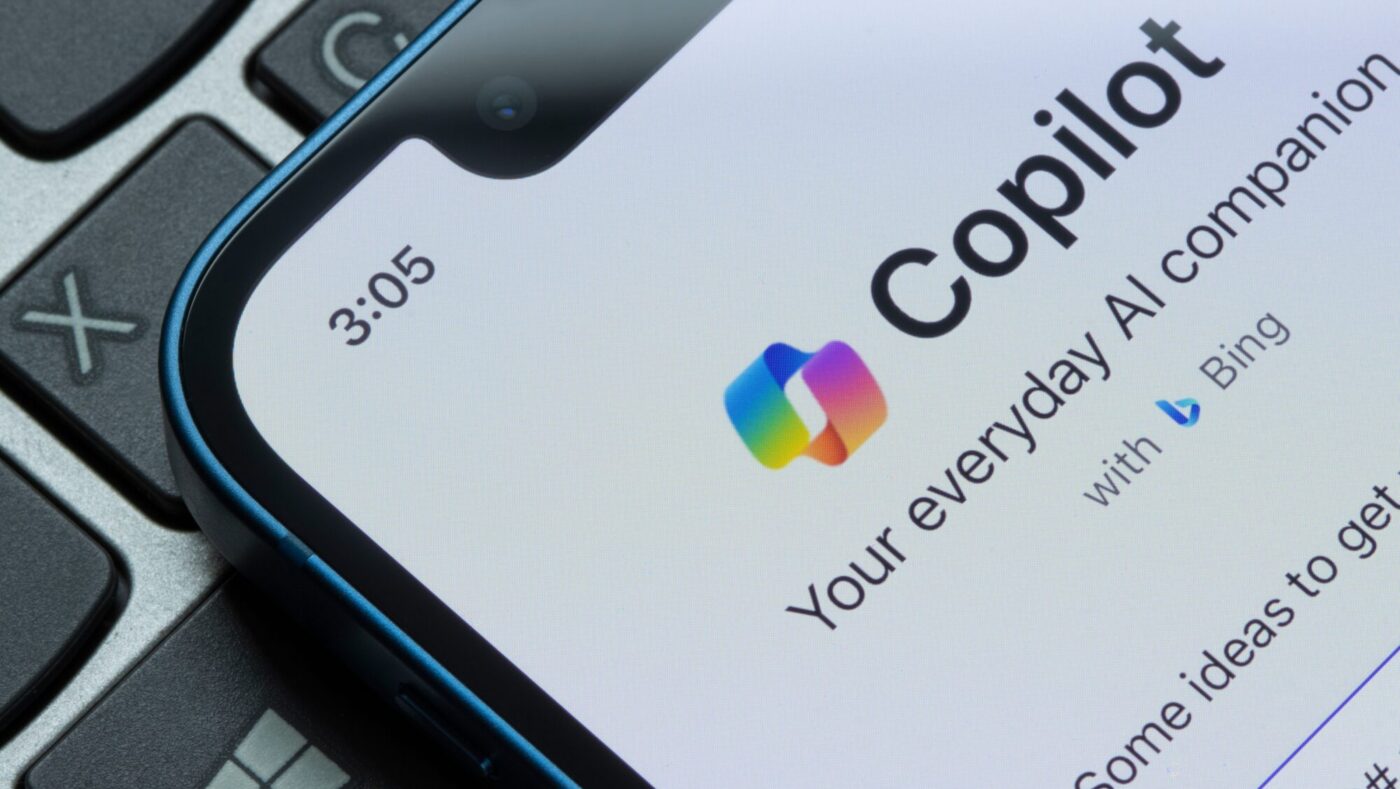
Microsoft Copilot security is becoming more important as businesses expand AI across Microsoft 365. Copilot can help employees find information, summarize documents, and work across company data much faster. That productivity also creates an important security question. What happens when an employee already has access to information they should not need?
That is where Microsoft Copilot security becomes less about artificial intelligence and more about existing permissions. Copilot does not need to break into a system to find sensitive information. It can work with data a user already has permission to access across Microsoft 365.
Microsoft confirms that Copilot only returns information the user already has permission to see. That includes content from SharePoint, OneDrive, Teams, Outlook, and other connected Microsoft 365 services. The concern begins when those existing permissions are broader than they should be.
How Copilot Changes the Insider Risk Conversation
A recent TMinus365 tabletop exercise simulated a departing employee using Copilot to locate sensitive company information. The employee did not bypass MFA, exploit a vulnerability, or gain administrator privileges. Instead, the employee searched information that existing permissions already allowed them to access.
The important detail is that this was a simulation, not a reported breach. However, it demonstrated how AI can change the speed of an existing problem. Information that once required manually searching folders, messages, and sites can become much easier to locate through natural-language questions.
The exercise showed why Microsoft Copilot security cannot be separated from data governance. Copilot followed the existing access rules. The underlying weakness was that those rules allowed the employee to see more information than their role required.

Why Microsoft Copilot Security Starts With Permissions
Businesses often accumulate permission problems gradually. Employees change departments, join projects, receive temporary access, and get added to SharePoint sites or Teams groups. Those permissions may remain long after the original business need disappears.
Over time, one employee can have access to years of information across different Microsoft 365 services. That might include contracts, financial records, customer information, internal planning documents, executive communications, or intellectual property.
Microsoft specifically recommends using SharePoint Advanced Management and Microsoft Purview to identify potentially overshared information. Microsoft also recommends reviewing high-risk sites and removing organization-wide access when it is unnecessary.
The issue is not that Copilot ignores permissions. The opposite is true. Copilot respects those permissions, which means poor access controls can become much more visible once AI makes information easier to discover.
| Existing Security Problem | How Copilot Changes It | Potential Business Risk |
|---|---|---|
| Employees have access to unnecessary SharePoint sites | Natural-language searches make permitted content easier to locate | Sensitive information becomes easier to discover |
| Old permissions remain after role changes | Copilot can work across information the user still has permission to access | Former project or department data may remain available |
| Sensitive files lack proper classification | Copilot may surface permitted information during normal searches and summaries | Confidential data may appear unexpectedly |
| Departing employees retain broad access | Information can be located and summarized much faster | Sensitive data may be easier to collect before departure |
Overshared Microsoft 365 Data Can Become Easier to Find
Microsoft has been direct about the relationship between generative AI and oversharing. Its Purview guidance states that the speed and power of AI can amplify existing data-governance problems. Content that is obsolete, over-permissioned, or poorly governed can become easier to surface.
This matters because oversharing does not always look dramatic. A SharePoint folder may have been shared with an entire department years ago. A Team may contain members who no longer work on that project. An employee may still have access to a OneDrive folder because nobody removed an old sharing permission.
These situations existed before Copilot. The difference is that employees once needed to know where the information was located. AI can reduce that barrier by allowing people to search through natural-language requests.
For Microsoft Copilot security, businesses should therefore ask a simple question before focusing on advanced AI controls. What can each employee already access today?
Departing Employees Create a Different Type of Risk
Employee departures make this issue more important. A trusted employee may legitimately possess access to valuable information during their normal job. That employee may also retain those permissions between submitting notice and leaving the company.
Microsoft Purview includes insider-risk policies specifically designed to detect potential data theft from Microsoft 365 applications by departing users. Microsoft describes risks including intellectual-property theft, data leakage, and unusual activity involving departing employees.
OSC has previously covered why the period surrounding an employee departure deserves additional attention. Our employee offboarding security guide explains why businesses should coordinate access changes across HR and IT. The process should begin before an old account becomes tomorrow’s forgotten security problem.
AI adds another consideration. An employee with legitimate credentials may not trigger the same warnings as an outside attacker. Their account works normally because the system believes they are authorized.
That means Microsoft Copilot security should include both technical controls and clear procedures for employee transitions.
Is Your Microsoft 365 Data Ready for Copilot?
Copilot works with the permissions your business already has. Onsite Computing can help identify overshared data, outdated access, and governance gaps before AI makes them easier to discover.
Microsoft Copilot Security: What Businesses Should Review Before Expanding AI
Organizations do not necessarily need to disable Copilot to manage this risk. Microsoft recommends strengthening the information environment around Copilot instead. That begins with identifying what information exists and who can access it.
Review SharePoint and OneDrive Permissions
Businesses should identify sites containing sensitive information and review who can access them. Microsoft provides data-access governance reporting to help administrators identify overshared SharePoint content. Site owners can then review access and remove permissions that are no longer required.
Permissions should follow current job responsibilities rather than historical convenience. Employees who changed roles years ago should not automatically retain every previous access level forever.
Classify Sensitive Information
Sensitivity labels can help businesses distinguish normal business information from confidential or restricted content. Microsoft Purview can apply information-protection controls that continue to affect how Copilot interacts with protected files.
Microsoft notes that some sensitivity-label permissions can prevent Copilot from extracting or interacting with protected file content. This gives organizations another control beyond basic folder permissions.
Reduce Stale and Unnecessary Content
Old data can create both operational clutter and security problems. Microsoft recommends archiving or deleting information that no longer needs to remain active. Reducing stale content also reduces the amount of unnecessary information available through search and AI tools.
A ten-year-old project folder does not become harmless simply because nobody remembers it exists.
Monitor Insider Risk and Unusual Activity
Organizations should also determine how they will recognize unusual file access, downloads, sharing, or other risky behavior. Microsoft Purview Insider Risk Management can correlate signals related to data leaks and potential theft.
Technology alone does not determine whether activity is malicious. HR, legal, compliance, and leadership may need to participate when the situation involves a trusted employee.
Review Your Existing AI Governance
Copilot is also part of a larger AI-governance discussion. Businesses should define which AI systems employees can use and what information can enter those systems.
OSC previously covered this issue in our article on the risks of unmanaged AI use in the enterprise. The central lesson remains relevant here. Productivity tools work best when data access and governance are established before employees begin using them broadly.
Copilot Is Not the Problem. Weak Governance Is.
The most important lesson from the simulated insider-threat exercise is that Copilot did not bypass Microsoft’s security controls. The employee simply used access that already existed.
That distinction matters. Turning off AI does not automatically correct years of excessive permissions, outdated sharing links, or poorly governed SharePoint sites. Those problems still exist without Copilot.
Strong Microsoft Copilot security therefore begins with basic security practices. Businesses need clear permissions, current access reviews, sensitive-data classification, proper employee offboarding, and meaningful monitoring.
Copilot can multiply productivity when the underlying Microsoft 365 environment is well governed. It can also make existing weaknesses easier to discover when access controls have been neglected.
The better question is not whether Copilot should be trusted. Businesses should ask whether the permissions Copilot inherits are still appropriate.
For organizations preparing to expand Copilot, Onsite Computing can help review Microsoft 365 permissions, data governance, and AI readiness. Contact Onsite Computing to evaluate whether your existing environment is ready for broader AI use.
Frequently Asked Questions About Copilot and Data Security
No. Microsoft states that Copilot respects existing permissions and security boundaries. It only returns information the signed-in user already has permission to access.
The risk occurs when those permissions are already too broad. Reviewing access before deployment helps reduce unnecessary exposure.
Copilot does not automatically grant users access to SharePoint, OneDrive, Teams, or other Microsoft 365 content. Existing sharing and membership controls still determine access.
However, Copilot can make permitted information faster and easier to locate.
Generative AI can quickly search and summarize large amounts of permitted information. Microsoft warns that AI can amplify risks from obsolete or over-permissioned content.
An old permission that once required manual searching can become more useful once AI simplifies discovery.
Organizations should review SharePoint and OneDrive permissions, sharing links, sensitive-data classifications, and stale content. They should also establish employee offboarding and insider-risk procedures.
Microsoft recommends using SharePoint Advanced Management and Purview to identify and remediate oversharing before broader adoption.
Microsoft Copilot security depends heavily on the controls already protecting Microsoft 365 data. Businesses should follow least-privilege access, review permissions regularly, classify sensitive information, and monitor unusual activity.
Copilot can improve productivity without weakening security when the information environment it inherits is properly governed.
